01 · Overview
AISTEEL 2026 controlled workflow
-
STEP 1
Register
Create an edition-specific registration and complete the participant profile.
-
STEP 2
Verify student
Student evidence must be approved; UNIMED registrants provide their study program.
-
STEP 3
Upload full paper
A Presenter submits version 1 and may attach one private supporting file.
-
STEP 4
Initial screening
The committee records Passed, Revision, or Rejected with an auditable reason.
-
STEP 5
Structured review
Chair-approved substantive reviewers submit independent recommendations in parallel, using the edition quota.
-
STEP 6
Decision and payment
Revisions stay versioned; an accepted presenter becomes payment-eligible.
02 · Conference editions
One account, separate yearly records
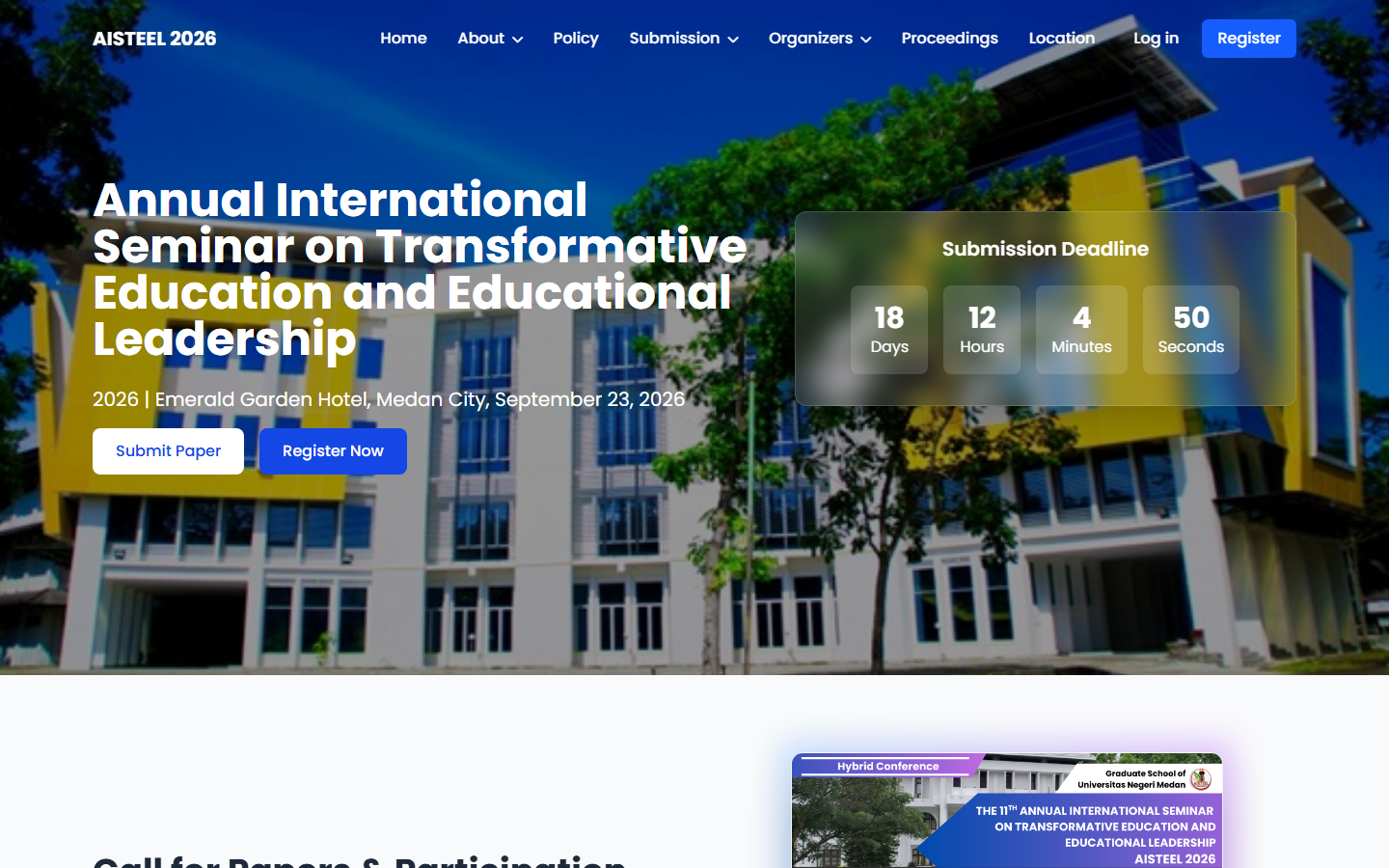
Each edition has its own registration code, fee snapshot, student/payment verification, manuscript, reviews, settings, and audit timeline. A 2026 registration does not overwrite archived 2025 data.
Use the dashboard edition selector to open a year you are permitted to access. A manuscript keeps the workflow mode recorded when it was created, even if the chair later changes the default for new submissions.
If a migrated record is marked as requiring edition confirmation, contact the committee with its registration code. Do not create a duplicate account or delete an old paper as a shortcut.
03 · Participant
Attend without presenting
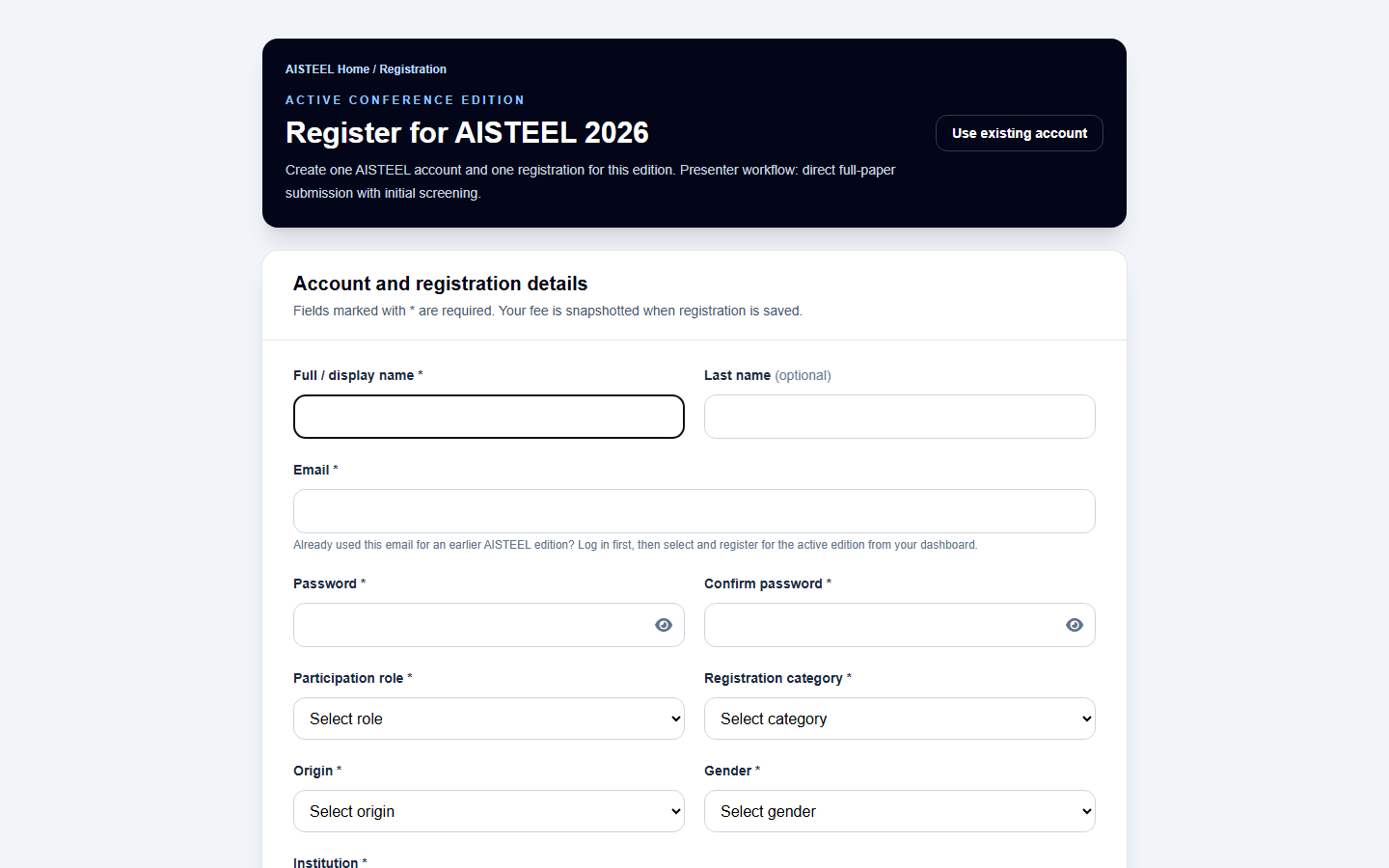
- Select Participant, origin, and Normal/Student status. The system stores the fee active at registration as an immutable historical snapshot.
- Enter the institution exactly. Registrants from Universitas Negeri Medan (UNIMED) must also enter their study program.
- A Student registration requires evidence and chair approval before payment eligibility.
- Use Edit profile to correct phone, institution, or study-program data without changing the yearly registration identity.
- Upload JPG, PNG, or PDF payment proof before 15 Sep 2026. A rejected proof may be corrected; an approved proof cannot be replaced.
04 · Presenter
Upload the full paper, pass screening, and complete review
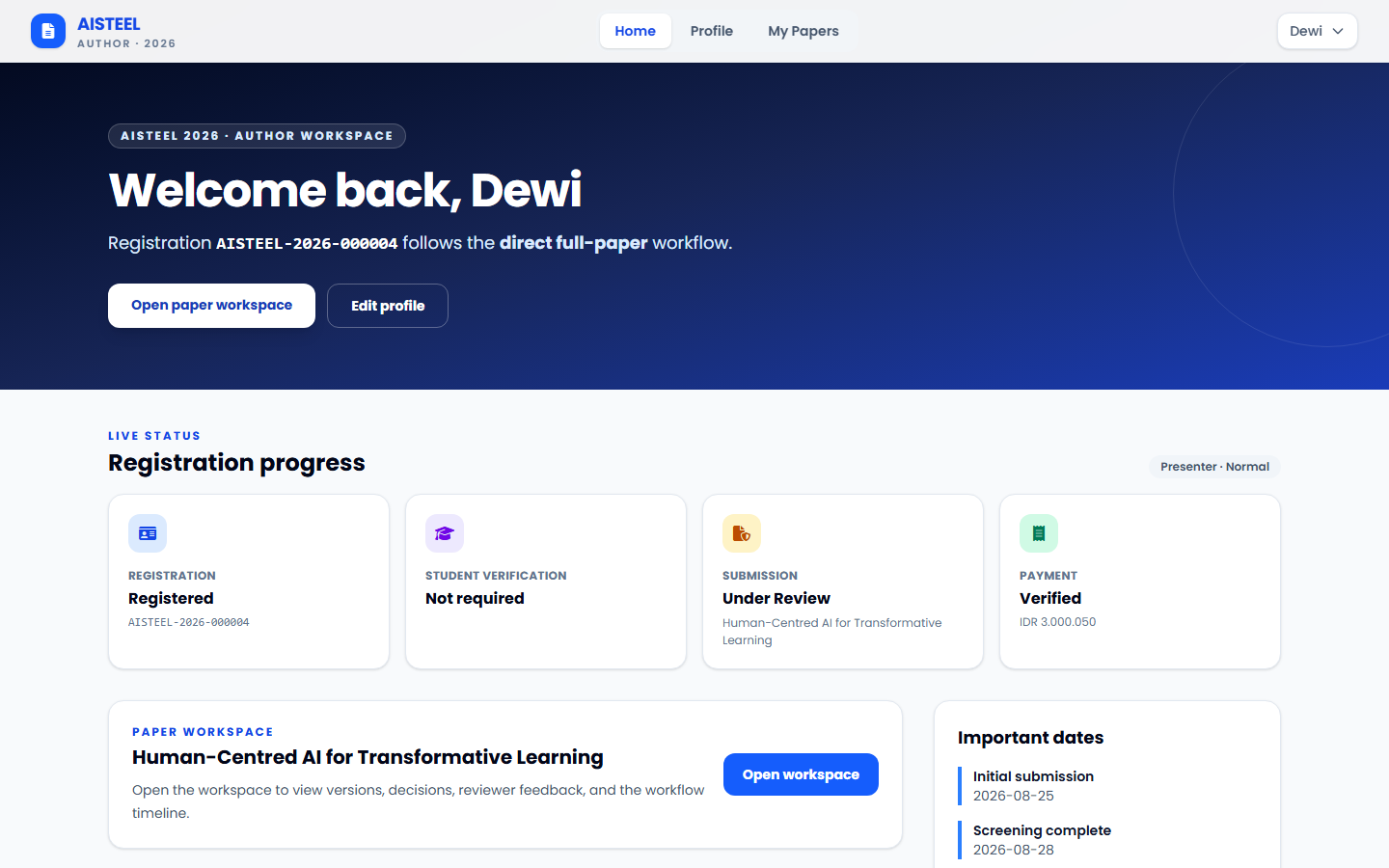
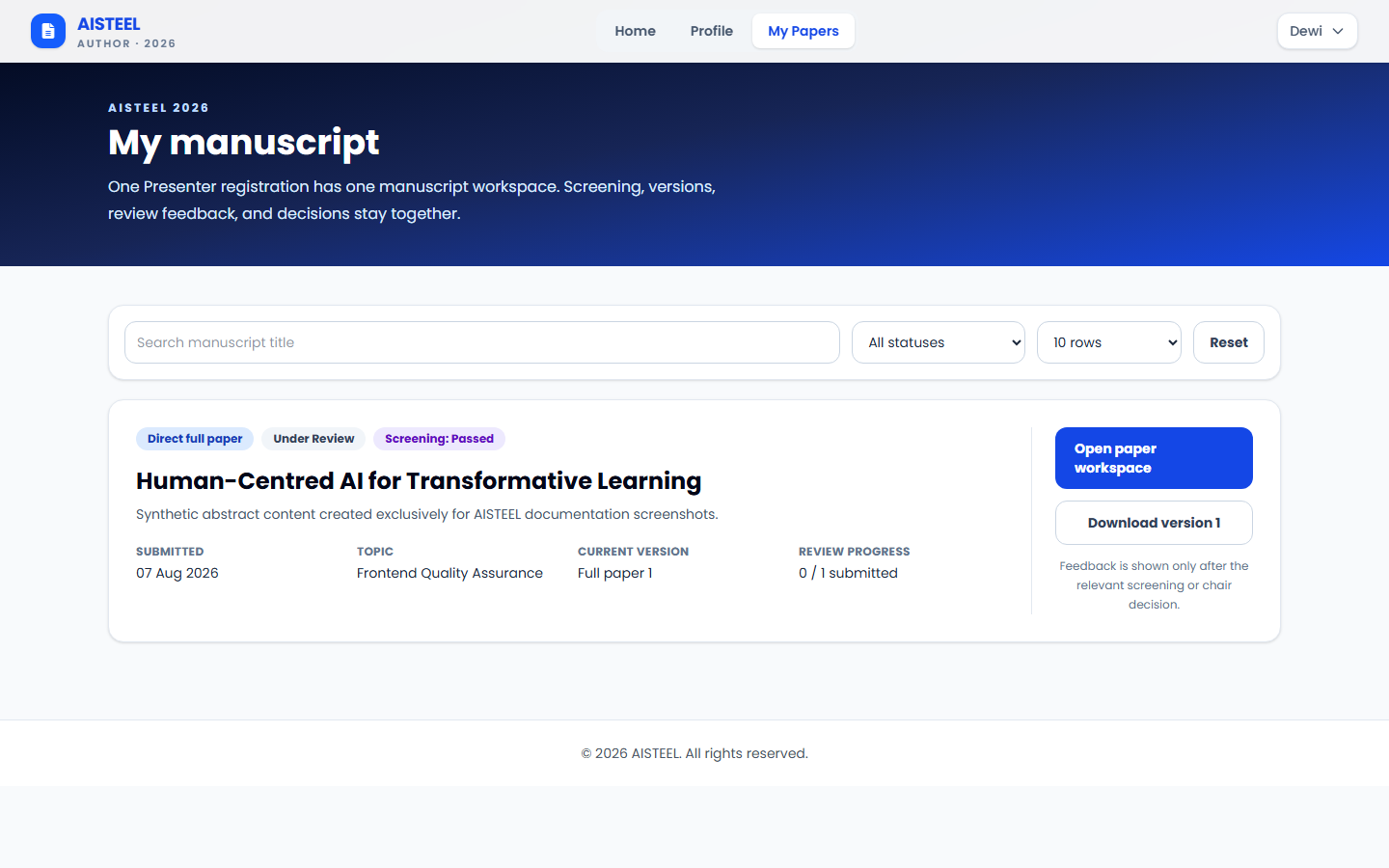
Version 1: choose the correct topic, complete title/summary/keywords, and upload PDF, DOC, or DOCX by 15 Sep 2026. One optional private PDF/Word/image supporting file, such as a Turnitin report, may accompany each version. Do not create a duplicate submission.
Screening: the committee records Passed, Revision, or Rejected with a reason. Passed moves to reviewer assignment; Revision opens one controlled corrected-version upload.
Peer review: the Chair approves substantive reviewers from the eligible edition roster. Independent assignments proceed in parallel; template editors work separately and do not count toward the content-review quorum. Submitted public results appear immediately in one feedback portal and downloadable package, with version-specific Turnitin information. Only the Chair makes manuscript decisions. Previous files, decisions, and feedback remain available.
Acceptance and payment: an accepted Presenter becomes payment-eligible after student verification when applicable. Payment approval does not request another copy of the accepted full paper.
05 · Payment
Fee snapshots and verification
Historical integrity
Fee, category, and currency are copied into the edition registration. Later chair price changes apply only to new registrations.
Auditable rejection
The chair must give a reason. The rejected proof remains in private history while the registrant is allowed to upload a corrected file.
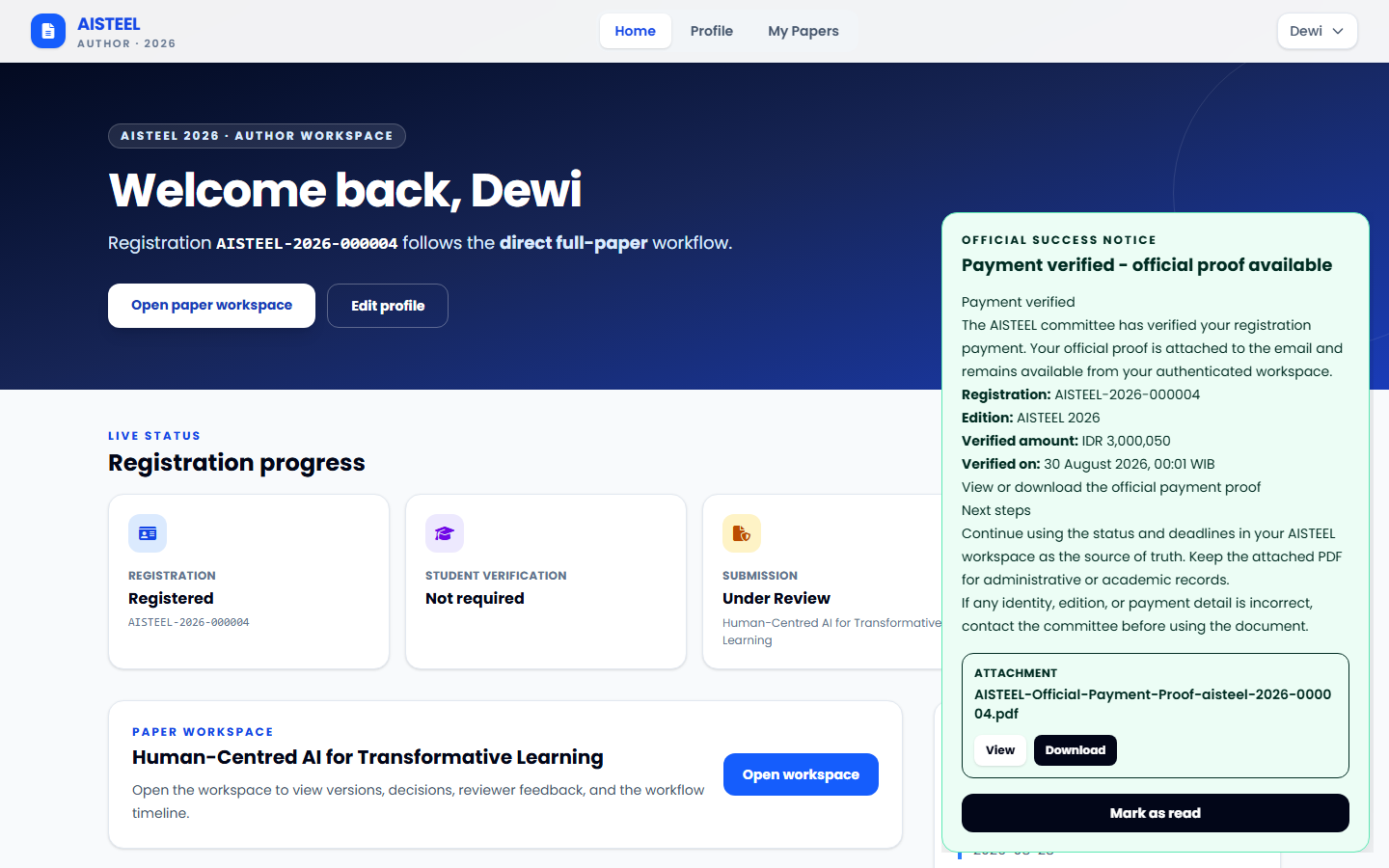
After Chair or Finance verifies a payment, AISTEEL creates an official payment-proof PDF from the stored registration and verified attempt. The registrant receives a dashboard notice and queued email with the document attached.
Use View or Download from the authenticated workspace. The PDF and any announcement attachment remain private; only the registrant, an authorized Finance account for the active edition, and a Chair can open the payment proof.
06 · Reviewer
Review only assigned manuscripts
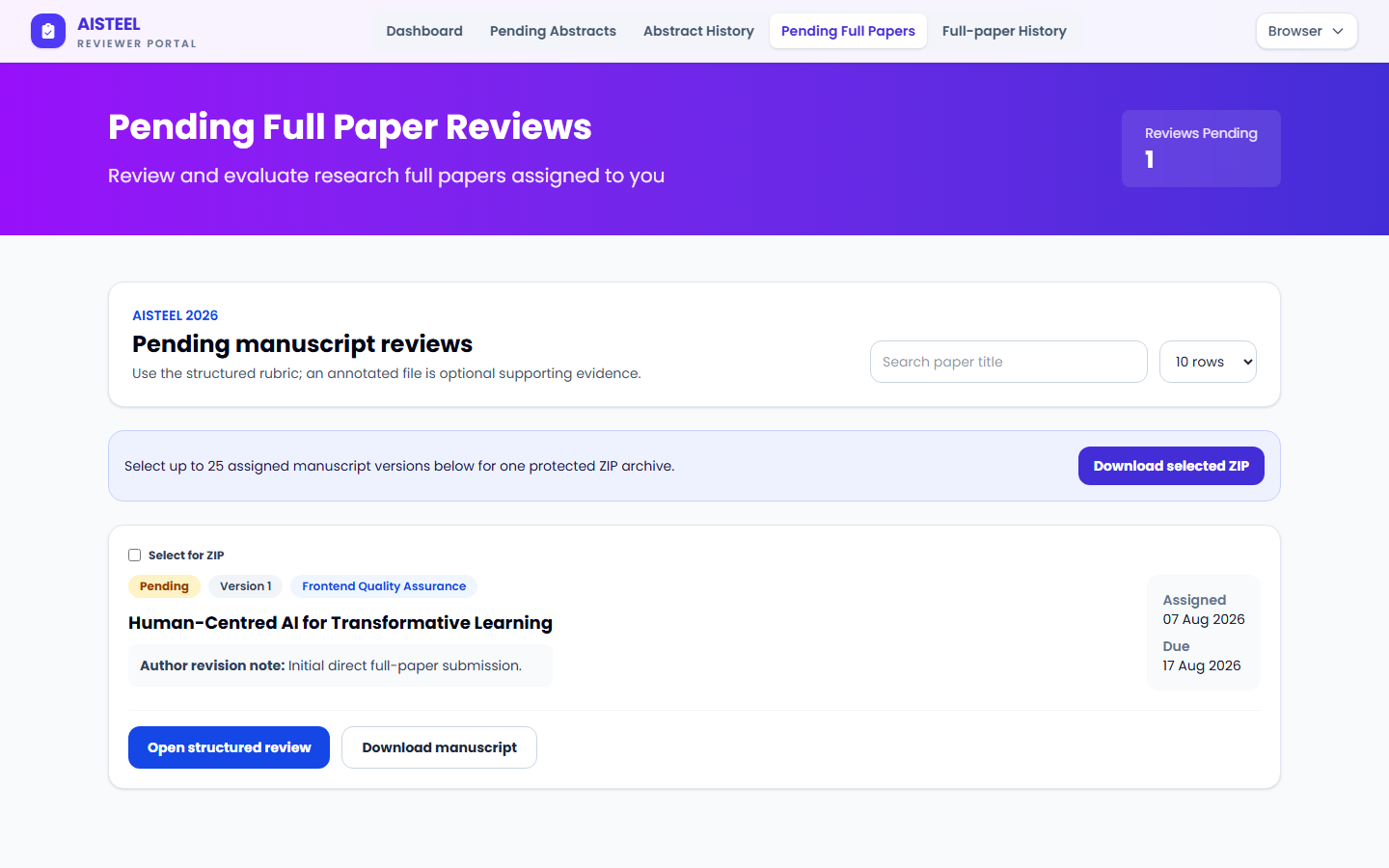
- Use Pending Abstracts and Pending Full Papers for open work; submitted work becomes read-only History.
- Choose Accept, Minor revision, Major revision, or Reject. Ethics/confidentiality and no-conflict confirmations remain required.
- The six 1–5 criteria and written feedback are optional modules; fill only the fields that add useful evidence.
- A private PDF/DOC/DOCX/JPG/PNG attachment up to 10 MB is optional and does not replace the required recommendation and confirmations.
- Each reviewer works on an independent assignment and can submit in parallel without waiting for another reviewer.
- Confirm ethical review and absence of conflict of interest. Do not identify, share, or download manuscripts outside the assigned purpose.
07 · Chairman
Operate each edition safely
Conference Editions
Create or activate an edition, select workflow mode, control registration/submission/screening, and reconcile ambiguous legacy records.
Students & Payments
Verify evidence, reject with a useful reason, and monitor edition-scoped pending queues.
Screening & Peer Review
Approve eligible substantive reviewers using the edition quota, assign template editors separately, and monitor parallel progress. An early Chair decision requires the configured submitted-review minimum.
Users
Search and edit participant/staff credentials, with an optional password reset. The last chair and self-role protections remain enforced.
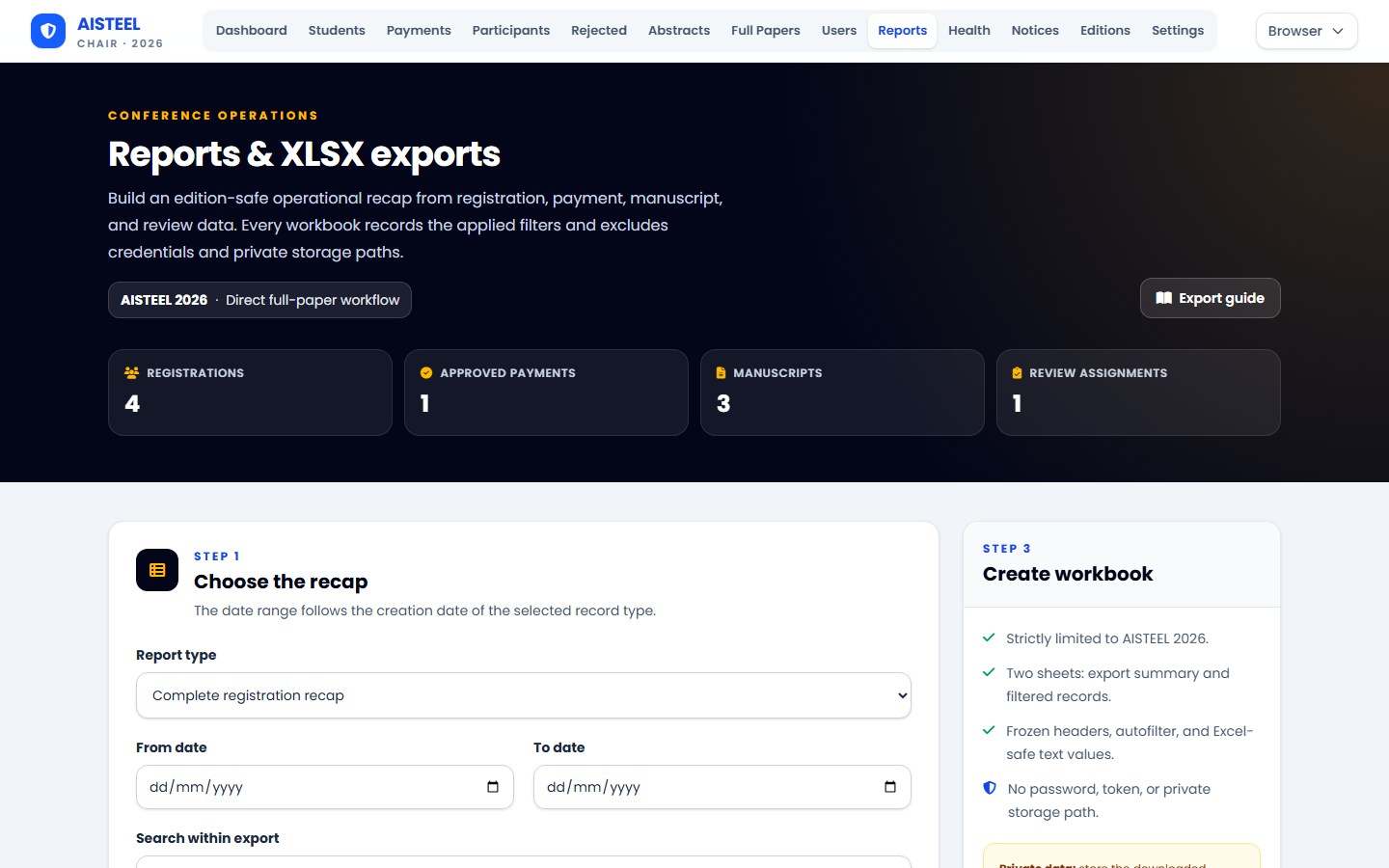
Reports
Export edition-scoped registration, payment, manuscript, screening, and structured-review recaps as private XLSX workbooks.
Settings
Maintain dates, fees, bank instructions, file limits, review policy, and public metadata separately for the selected edition.
08 · Status glossary
What dashboard states mean
- Screening pending
- The latest manuscript version is waiting for a committee screening decision.
- Under Review
- Reviewers are assigned to the current abstract round or latest full-paper revision.
- Accepted / approved
- The current gate is complete and the next eligible action becomes available.
- Revision required
- Read the reason and upload a corrected version from the same workspace before its deadline.
- Rejected
- The item was not approved. A payment proof may be corrected; manuscript actions follow the recorded decision.
- Closed
- The deadline passed or the chair disabled that edition action; the server blocks new uploads.
09 · Help
Before contacting the committee
- Confirm the selected conference edition and read the current status/timeline.
- Check the permitted file type, maximum size, and relevant deadline.
- Use the same email account and avoid creating duplicate registrations.
- Include your registration code and manuscript title when contacting aisteel@unimed.ac.id; never send your password or a private document through an untrusted channel.